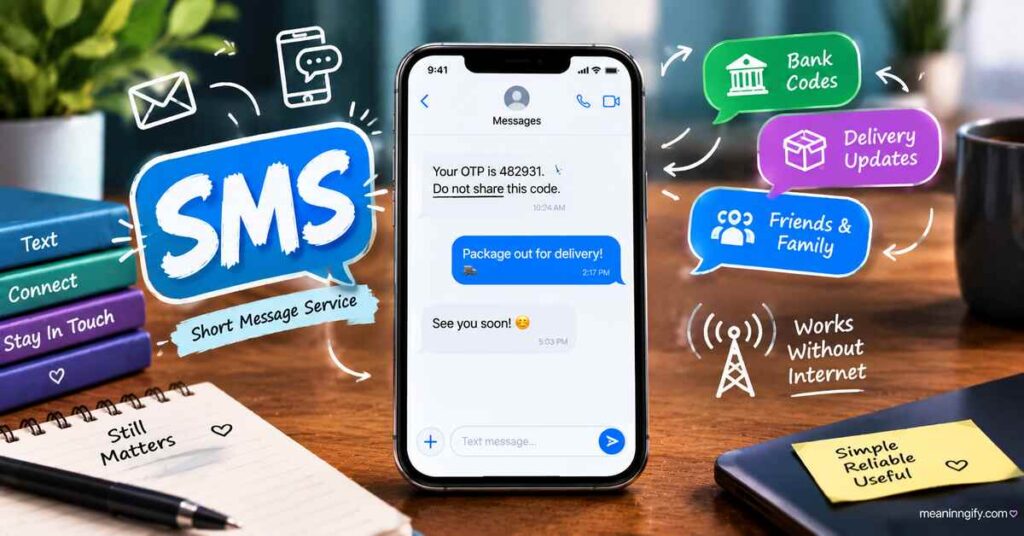

SMS Mean, Your phone buzzes with a bank code, a delivery update, or a two-word reply from a friend, and somewhere in the settings, it’s all labeled “SMS.” Most people use it daily without ever asking what the letters actually stand for.
This guide breaks down the real SMS meaning, where it came from, how it’s used today, and why it still matters even with apps like WhatsApp and iMessage everywhere.
Hook (Introduction)
Before smartphones, before apps, before data plans, there was SMS. It’s one of the oldest pieces of mobile technology still in daily use, and it’s quietly doing work you might not even notice: delivering your bank’s one-time password, confirming your package is out for delivery, or reaching you when the Wi-Fi drops out entirely.
Let’s break down exactly what SMS means and why it’s stuck around for over three decades.
Read More : FNF Mean In Text? 2026 Guide
What Does “SMS Meaning” Mean?
SMS stands for Short Message Service. It’s a text messaging protocol built into mobile networks that lets phones send and receive short text messages without needing an internet connection.
Unlike app-based messaging, SMS runs on the same network your phone uses for calls. That’s why it works in places where data signal is weak or unavailable, as long as you have basic cell reception.
Simple Meaning of SMS
In plain terms: SMS is the plain “texting” feature built into every phone. No app required, no internet needed, just a phone number and a cell signal.
Key facts about SMS:
- Each message was traditionally capped at 160 characters.
- Longer messages are automatically split into multiple segments and reassembled on the receiving phone.
- SMS works over GSM, CDMA, and similar mobile networks.
- It’s been a built-in standard since the early 1990s, supported by virtually every phone made since.
Where Is SMS Used Today?
SMS might feel old-fashioned next to chat apps, but it’s still doing heavy lifting across several everyday situations.
1. Personal texting
Plenty of people still send plain texts for quick, casual messages, especially when messaging someone whose app preference they don’t know.
2. Bank alerts
Banks rely on SMS to notify customers about transactions, balance updates, and suspicious activity, since it reaches almost any phone instantly.
3. Security verification
One-time passwords (OTPs) for logging into accounts or confirming payments are commonly sent via SMS, because it doesn’t depend on an internet connection to arrive.
4. Business notifications
Companies use SMS for appointment reminders, shipping updates, and promotional alerts, since open rates for text messages are far higher than email.
5. Emergency or backup communication
When data networks fail or apps won’t load, SMS often still works, making it a reliable fallback during outages or emergencies.

Why Do People Still Use SMS?
With so many messaging apps available, SMS staying relevant comes down to a few practical advantages:
- No internet required. SMS only needs cell signal, not Wi-Fi or mobile data.
- Universal compatibility. Every phone, from the cheapest basic model to the newest smartphone, supports SMS.
- No account needed. You don’t need to sign up for anything, just a phone number.
- High reliability for alerts. Banks and businesses trust SMS because people actually read it, usually within minutes.
- Works during outages. When apps fail due to server issues or data loss, SMS frequently still gets through.
Real-Life Examples of SMS Meaning
Seeing SMS in action makes its role easier to understand.
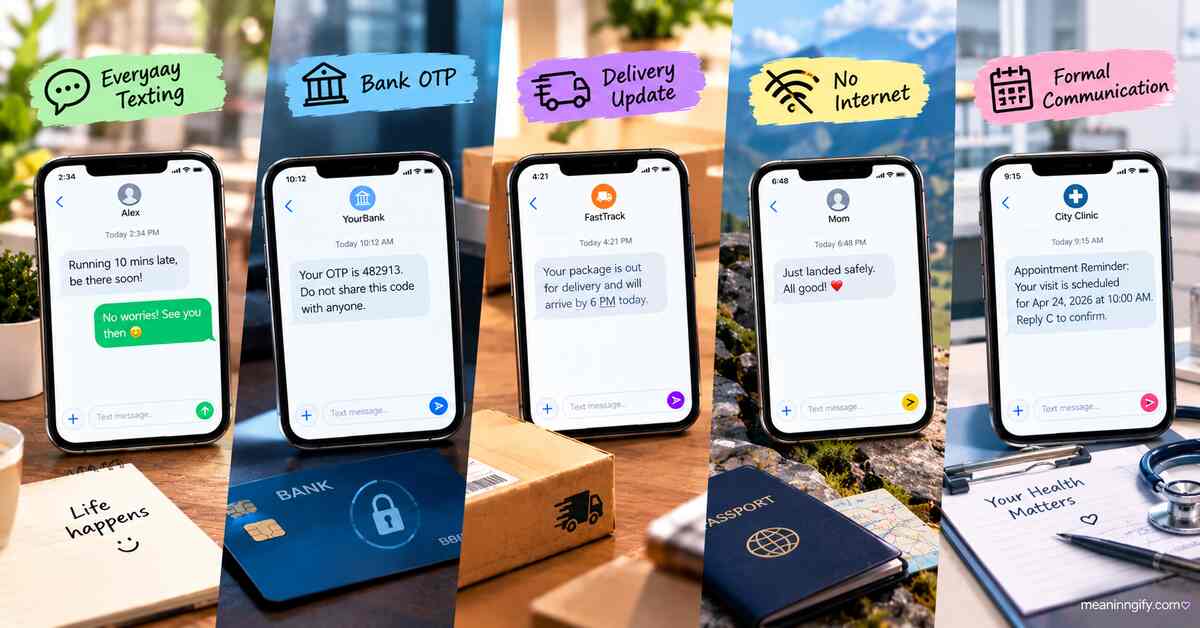
1. Everyday texting
“Running 10 mins late, be there soon!”
A quick, simple message sent with no app, just a phone number.
2. Bank OTP
“Your OTP is 482913. Do not share this code with anyone.”
A time-sensitive, security-critical message that needs to arrive instantly and reliably.
3. Delivery updates
“Your package is out for delivery and will arrive by 6 PM today.”
Automated business notifications that reach customers directly on their lock screen.
4. No internet situation
Someone traveling with no data plan sends a plain text to let family know they’ve landed safely, no Wi-Fi or app needed, just SMS.
5. Formal communication
A clinic sends an SMS appointment reminder instead of an app notification, since it reaches every patient regardless of what phone or apps they use.
SMS vs Similar Terms
SMS often gets lumped in with other messaging terms, but each one works differently.
| Term | Full Meaning | Needs Internet? | Supports Media? |
|---|---|---|---|
| SMS | Short Message Service | No | Text only (160 characters per segment) |
| MMS | Multimedia Messaging Service | No (uses cellular data) | Photos, videos, longer text |
| Messaging app | Yes | Text, media, voice, video calls | |
| iMessage | Apple’s messaging service | Yes (falls back to SMS without it) | Text, media, reactions, effects |
| RCS | Rich Communication Services | Yes | Read receipts, typing indicators, media |
The core difference: SMS and MMS run on the cellular network itself, while WhatsApp, iMessage, and RCS depend on an internet connection to function fully.
When Should You Use SMS?
SMS isn’t always the best option, but it’s the right choice in specific situations:
- When you’re not sure what app the other person uses. SMS works regardless of which messaging app someone has installed.
- When sending time-sensitive codes or alerts. OTPs and security codes are more reliable over SMS than push notifications.
- When data or Wi-Fi isn’t available. SMS only needs cell signal, making it the fallback option during outages.
- When reaching someone internationally without data roaming. Basic SMS often still works even when data plans don’t.
For everyday chatting with photos, group threads, or voice notes, an app like WhatsApp or iMessage usually makes more sense.
Common Misunderstandings About SMS Meaning
A few myths about SMS come up again and again.
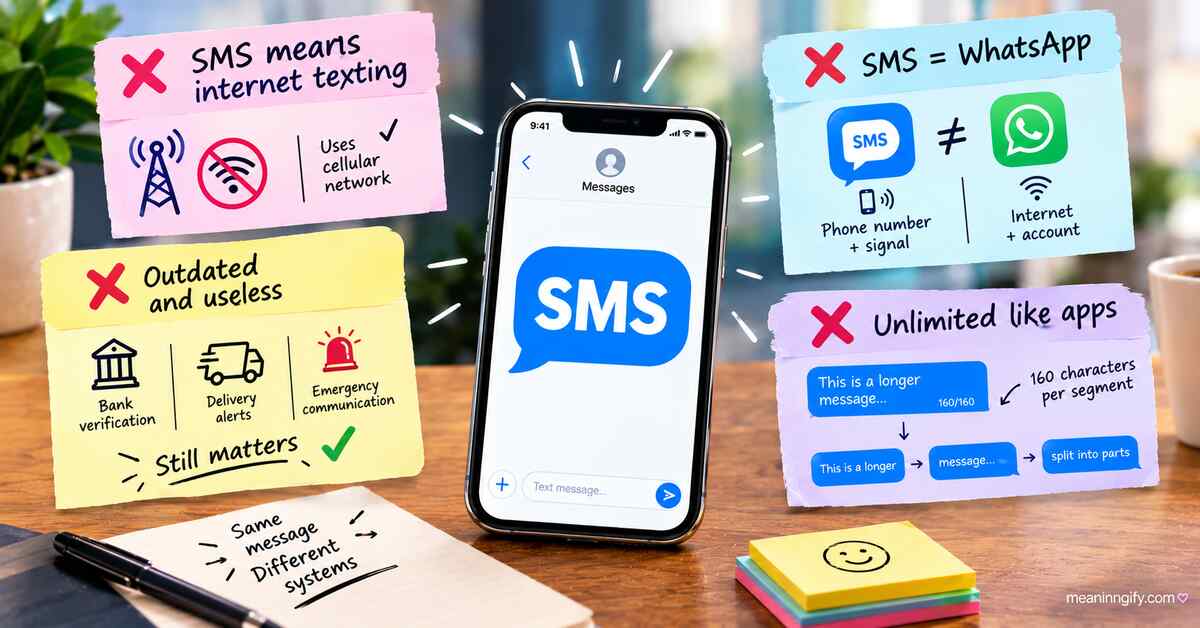
“SMS means internet texting”
Not true. SMS doesn’t use the internet at all, it runs over the same cellular network used for phone calls.
“SMS is the same as WhatsApp”
They’re different systems entirely. WhatsApp needs an internet connection and an account; SMS just needs a phone number and signal.
“SMS is outdated and useless”
SMS is still the backbone of bank verification, delivery alerts, and emergency communication, precisely because of how reliable it is.
“SMS messages are unlimited like apps”
Traditional SMS is still built around the 160-character limit per segment. Longer texts get split into multiple messages behind the scenes, even if your phone displays them as one.
Pro Tips for Using SMS Smartly
A few habits make SMS more useful and safer to rely on.
✔ Keep messages short
Staying close to the 160-character mark avoids your message splitting into multiple segments, which some carriers still charge for separately.
✔ Use SMS for important alerts
Reserve SMS for things that genuinely need to reach someone fast and reliably, like codes, confirmations, or urgent updates.
✔ Don’t rely only on SMS for chatting
For group conversations, photos, or longer back-and-forth chats, an app with better formatting and media support is usually a smoother experience.
✔ Be careful with unknown SMS
Scam texts (“smishing”) impersonate banks and delivery services through SMS. Never click links or share codes from numbers you don’t recognize.
Final Thoughts
SMS stands for Short Message Service, and despite being one of the oldest pieces of mobile technology still running, it hasn’t gone anywhere. It powers bank alerts, delivery updates, emergency backups, and plenty of everyday texts, all without needing an app, an account, or an internet connection.
Apps like WhatsApp and iMessage may handle most casual chatting now, but SMS remains the one messaging format that works everywhere, for everyone, every time.
FAQ – SMS Meaning
What does SMS stand for?
SMS stands for Short Message Service, a text messaging feature built into mobile phone networks.
Is SMS the same as texting?
Yes. “Texting” is the everyday term people use for sending an SMS message.
Does SMS need internet to work?
No. SMS runs over the cellular network used for calls, not the internet.
Why do banks use SMS for OTPs?
Banks use SMS because it reaches nearly any phone instantly and doesn’t depend on an internet connection or app.
What’s the difference between SMS and MMS?
SMS sends plain text only, while MMS supports photos, videos, and longer messages using cellular data.
Is SMS still relevant in 2026?
Yes. SMS remains essential for security codes, business alerts, and emergency communication, even as chat apps dominate casual messaging.